

Planned by your AI.
Curated by local people.
Knowledge from people who love the place, so your AI can plan and guide a personalized day out at attractions, landmarks and destinations
Places to visit
Explore places your AI can turn into a smarter visit...
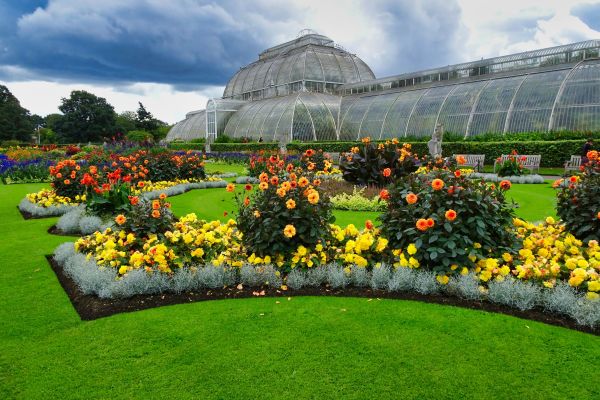
Kew Gardens
Kew, London
Explore Kew’s autumn gardens, glasshouses, Henry Moore sculpture, botanical art and food stops in a structured full-day visit
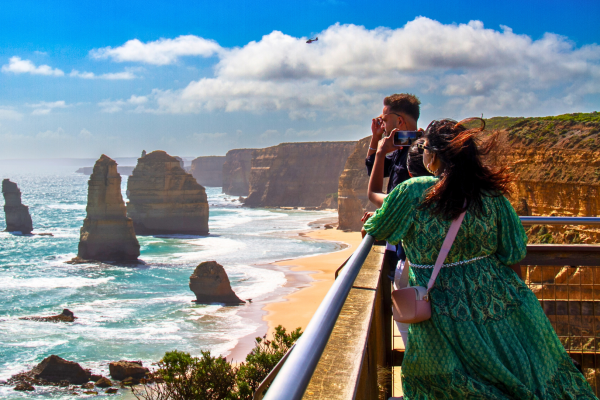
12 Apostles at the Great Ocean Road
Port Campbell National Park, Port Campbell
See the Twelve Apostles from the Port Campbell National Park lookouts, with coastal paths, big-weather views and nearby shipwreck-coast stops
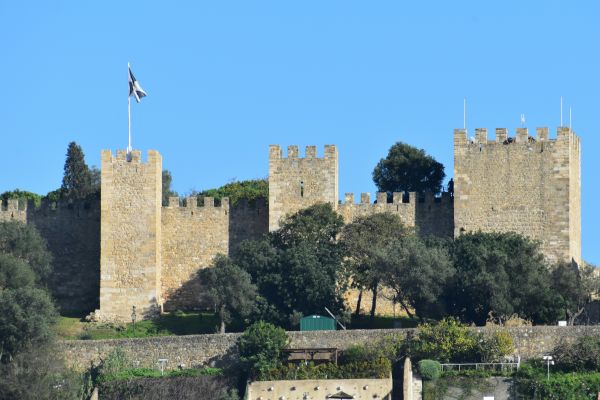
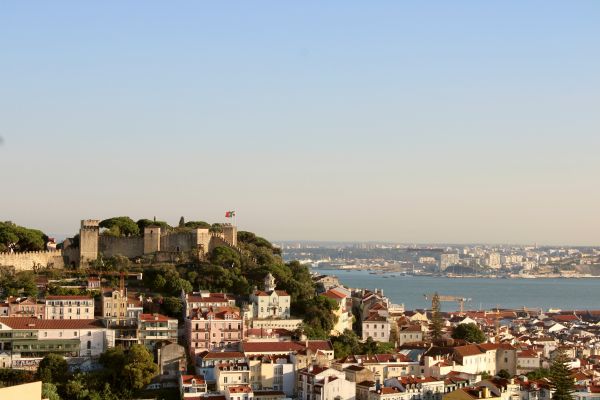
Castelo de São Jorge
Santa Cruz do Castelo, Lisbon
Plan Lisbon's hilltop castle as a gateway to ramparts, archaeology, steep access and the living Mouraria/Graça story
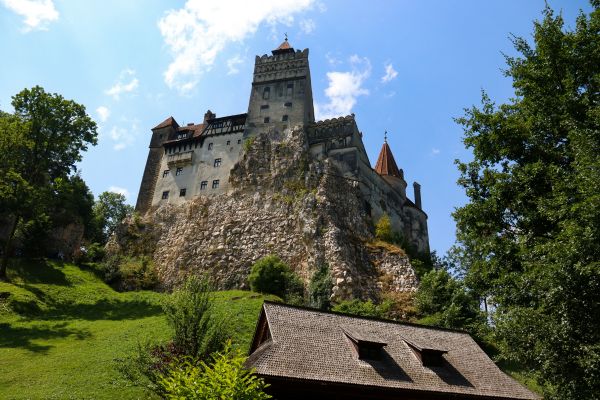
Bran Castle
Castle Hill, Bran
A hilltop Transylvanian castle where royal history, medieval rooms and the Dracula legend shape a compact but busy visit
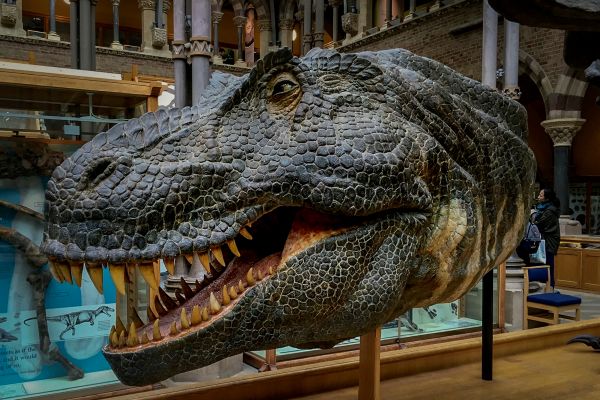
Pitt Rivers Museum
Parks Road, Oxford
Explore a dense Oxford anthropology museum through masks, tools, textiles, photographs and collecting-history questions
Largo da Severa and Mouraria Cultural Quarter
Mouraria, Lisbon
Start with Maria Severa, then read Mouraria as living multicultural Lisbon: food, languages, art, community life and the climb to Graça
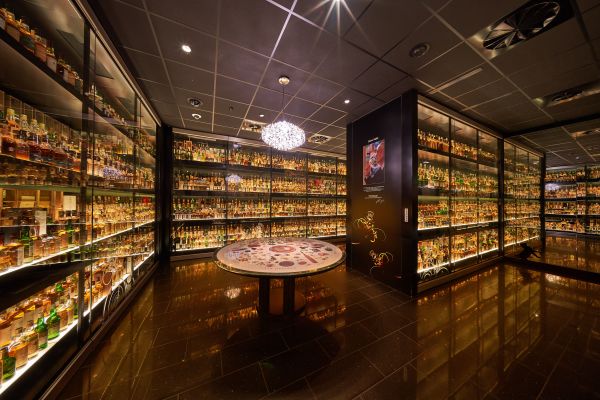
The Scotch Whisky Experience
Royal Mile, Edinburgh
Discover Scotch whisky beside Edinburgh Castle through guided tasting, regional storytelling, a dramatic whisky collection and Amber dining
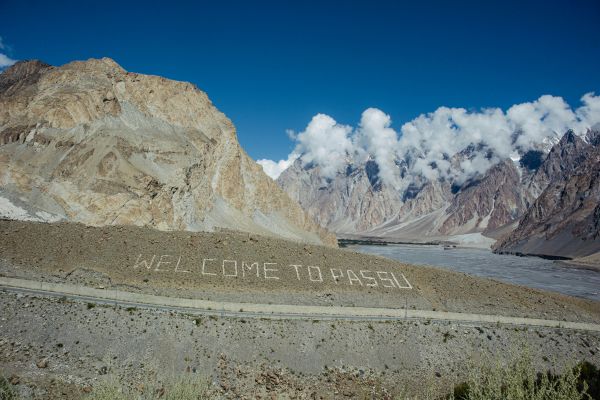
Passu Cones Viewpoint
Passu, Hunza
Photograph the jagged Passu Cathedral peaks from a roadside Hunza viewpoint, with sunrise light, glacier context and nearby village choices
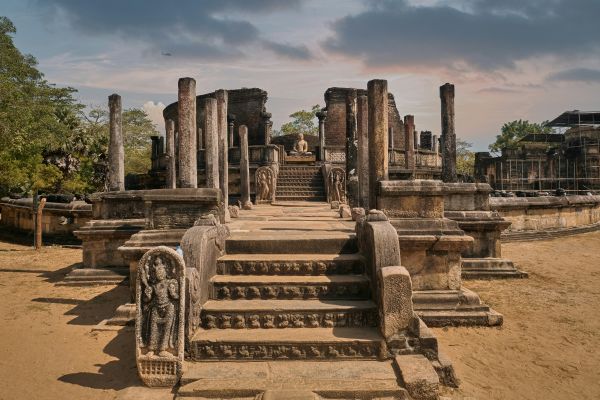
Polonnaruwa Ancient City
Old City, Polonnaruwa
Explore Sri Lanka's medieval capital, from royal ruins and sacred shrines to rock-cut Buddhas and the Parakrama Samudra reservoir
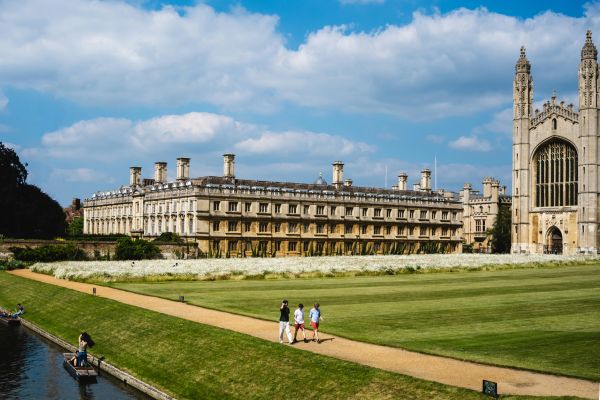
King’s College Cambridge
King’s Parade, Cambridge
Explore a working Cambridge college through its famous chapel, fan vaulting, stained glass, historic grounds and River Cam setting
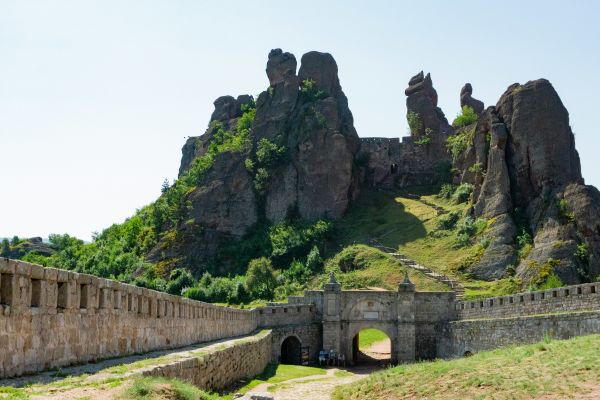
Belogradchik Rocks
Fortress area, Belogradchik
Explore Belogradchik Rocks through fortress viewpoints, red-sandstone forms, exposed terrain and optional arranged adventure add-ons
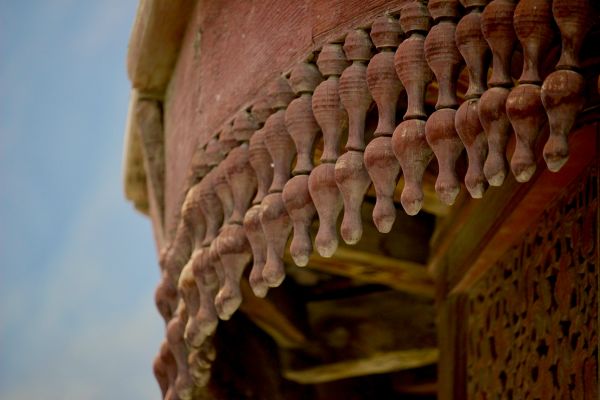
Baltit Fort
Karimabad, Hunza
Explore the 700-year-old seat of the Hunza Mirs, with walnut-beam rooms, terraced gardens and rooftop views of Rakaposhi